View my transactions
Every order you process with GoDaddy Payments is recorded as a transaction in your account. You can use the Payments Hub, GoDaddy Smart Terminal Duo, or GoDaddy app to see all of your GoDaddy Payments transactions – whichever method you prefer! Transaction details include the date, transaction ID, customer name, payment method, last four digits of the credit card, amount charged, the source of the charge, and the status.
When you’re in the Payments Hub or the GoDaddy Smart Terminal Duo, you can also use that criteria to search for a specific transaction. This comes in handy if a customer has questions about a particular charge, requires a refund or if a chargeback is initiated.
Note: Each transaction is subject to processing fees. These processing fees are taken from your daily payout and appear on your payout reports.
Your Payments Hub allows you to view, search and manage any GoDaddy Payments transaction from your online store, pay links, GoDaddy Smart Terminal Duo, GoDaddy app or GoDaddy Poynt Card Reader.
- Sign in to your GoDaddy Payments Hub (use your GoDaddy username and password).
- Select Transactions.
- Select a transaction ID to see details and transaction status, or to view or reissue a receipt, refund a payment, or void a transaction.
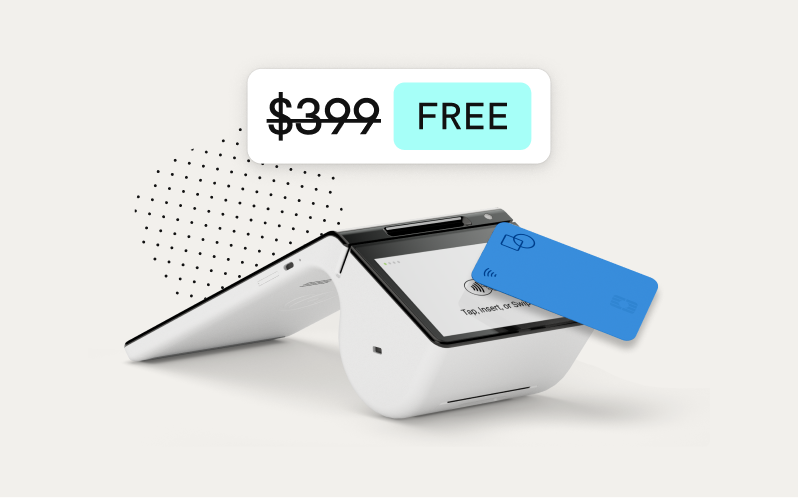
View or search for transactions directly from your GoDaddy Smart Terminal Duo for easy access to payments or if changes need to be made to any processed orders.
- From your GoDaddy Smart Terminal Duo home screen, tap Transactions.
- Tap or swipe left on a transaction to view or reissue a receipt, refund a payment, or void a transaction.
Viewing transactions through the mobile app also gives you access to all your GoDaddy Payments transactions from your online store, pay links, GoDaddy Smart Terminal Duo, GoDaddy app or GoDaddy Poynt Card Reader.
- Launch the GoDaddy mobile app. You might be prompted to sign in.
- Tap Payments > Transactions.
- Locate a transaction in the list and tap it to view or reissue a receipt, refund a payment, or void a transaction.
Note: If you lose your network connection during a transaction, check the list to ensure the transaction was processed. If it does not appear, attempt the transaction again.
More info
- Find out about transaction statuses and what they mean.
- View your payouts.
- Add customer tips to your transactions.