Get started with GoDaddy Payments
Looking for more ways to get paid? This series walks you through the critical steps to set up GoDaddy Payments. Use GoDaddy Payments to accept payments anywhere and any way that you want to sell – through your online store, over the phone, in person, and more.
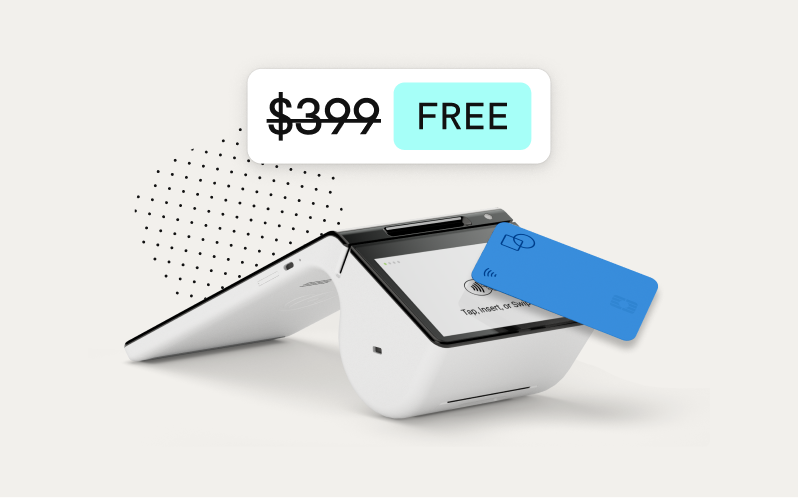
Once you’re set up, you can even purchase a GoDaddy Poynt Card Reader or GoDaddy Smart Terminal Duo to take your in-person selling options to the next level.
Note: Looking for help with your GoDaddy Poynt Card Reader or GoDaddy Smart Terminal Duo? Check out our GoDaddy Poynt Card Reader Get Started and GoDaddy Smart Terminal Duo Get Started series.
1: Sign up for GoDaddy Payments
Enter some info about you and your business to sign up for GoDaddy Payments - for free!
2: Connect GoDaddy Payments to a bank account
Add the bank account info where you want to receive your payouts.
3: Adjust the GoDaddy Payments settings
Set Close of Day times, customize your receipts, adjust your tip settings and more.
4: Learn more about using GoDaddy Payments
Explore some of the other features, including GoDaddy Payments in the GoDaddy mobile app and the available devices for in-person selling.