Dive in: GoDaddy Payments all-articles list
Here's a list of all Help articles for GoDaddy Payments. Use it as your guide to learn more about getting the most from GoDaddy Payments.
| Click to jump to each section | ||
|---|---|---|
Discover GoDaddy Payments | Manage your GoDaddy Payments account | |
Get started with GoDaddy Payments | How-to video series | |
Payments and transactions | ||
Discover GoDaddy Payments
Learn about the different ways GoDaddy Payments lets you accept payments from your customers. (Back to top)
- What is GoDaddy Payments? test
- Which payment methods work with GoDaddy Payments?
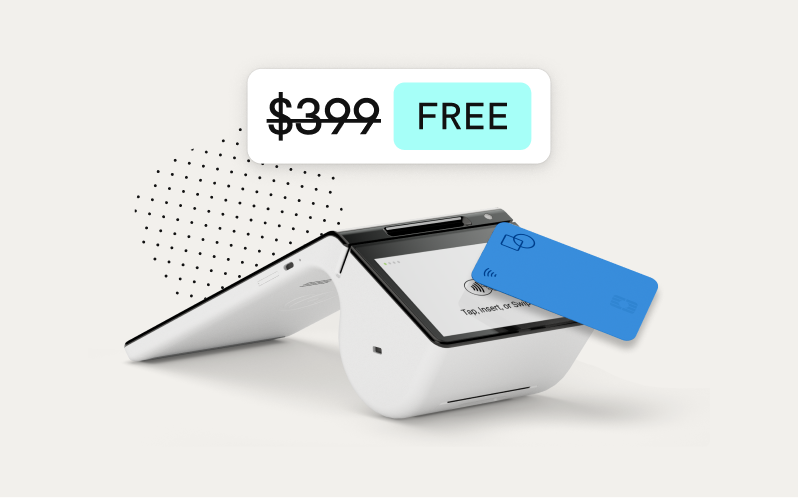
- What devices are available with GoDaddy Payments?
- How are GoDaddy and Poynt connected?
- What is Virtual Terminal?
- What are Online Pay Links?
- Prohibited businesses with GoDaddy Payments
- What are the charges and fees for GoDaddy Payments?
- What is the GoDaddy Payments for WooCommerce plugin?
- Statement of Support – GoDaddy Payments
Get started with GoDaddy Payments
Sign up for GoDaddy Payments, sign in to the Payments Hub, link your bank account, and connect your online store. (Back to top)
- Sign up for GoDaddy Payments
- Connect GoDaddy Payments to my bank account
- Sign in to the Payments Hub from Websites + Marketing
- Sign in to the Payments Hub from Managed WordPress
- Enable GoDaddy Payments on Websites + Marketing
- Enable GoDaddy Payments on Managed WordPress
- Check your account status
- Order a GoDaddy Smart Terminal Duo or GoDaddy Poynt Card Reader
- Connect your bank account to GoDaddy Payments on Managed WordPress
- Why was my GoDaddy Payments application declined?
- Why was my GoDaddy Payments account closed?
Payments and transactions
Accept payments, manage your payouts, review transaction reports, and learn how to handle refunds and chargebacks. (Back to top)
- View my transactions
- View my payouts
- Why do I have a suspended payment?
- Issue a refund to my customer
- What are chargebacks and how do I dispute them?
- Process payments with Virtual Terminal
- Using Online Pay Links
- Settle a batch of transactions
- Why is my customer’s credit card declined?
- Run a transactions report
- Run a payout report
- What reports do I have access to?
- Add customer tips to transactions
Manage your GoDaddy Payments account
Review and update your account settings like contact info, bank account info and close of day time. You can also disconnect GoDaddy Payments from your online store whenever you’d like. (Back to top)
- Update my contact info in GoDaddy Payments
- Set my Close of Day time
- What is Close of Day?
- Customize my store receipts
- What is the status of GoDaddy Payments in my Managed WordPress account?
- Update GoDaddy Payments bank account info
- How do I get my 1099 tax form?
- Remove GoDaddy Payments
How-to video series
Check out our how-to video tutorials to learn more about GoDaddy Payments. (Back to top)