
Sign in to my Microsoft 365 account
Sign in to access your Microsoft 365 account. Bookmark the sign-in page for easy access from your browser.
Note: If you try to sign in to your account through Microsoft directly (for example, through Outlook on the web), you'll be prompted to enter your email address and then select Next before following the steps below.
- Go to the Microsoft 365 sign-in page.
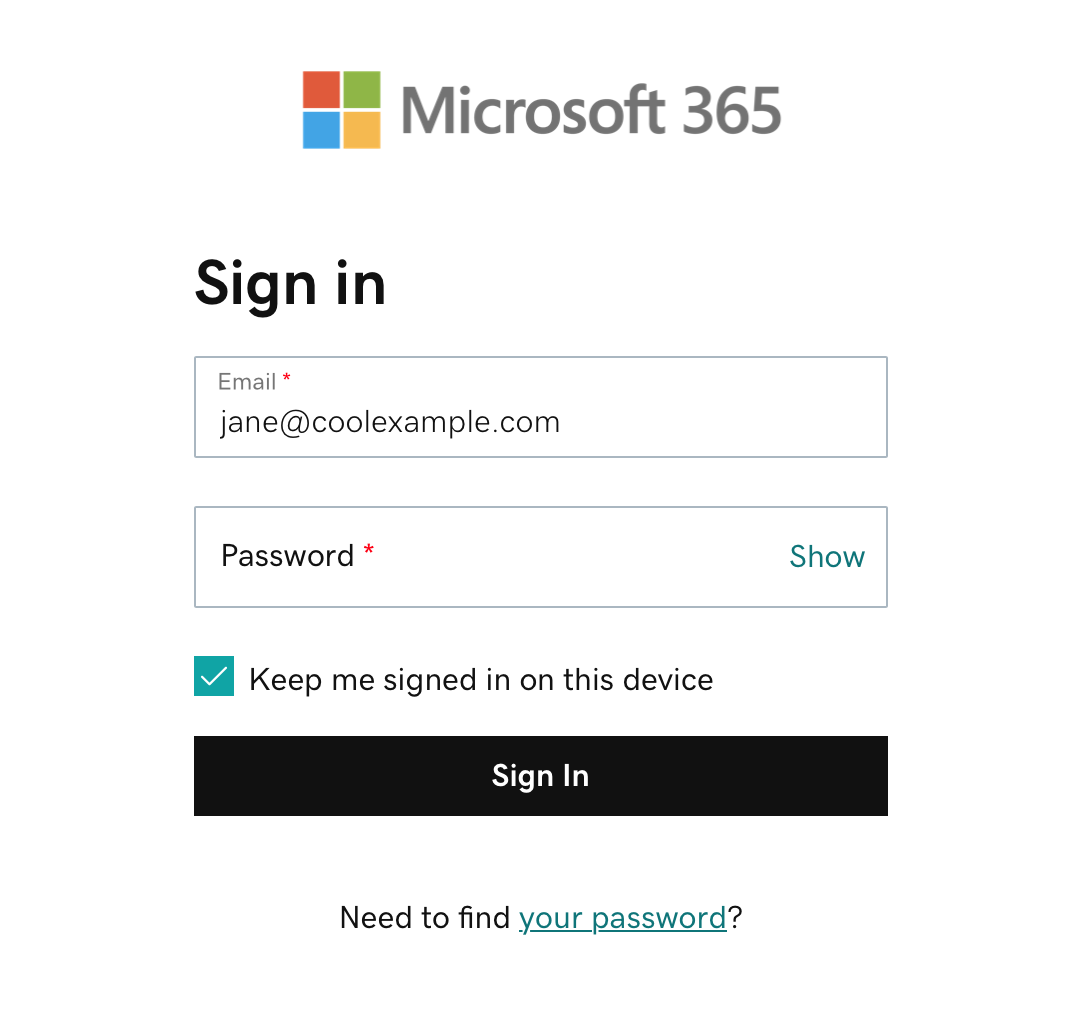
- Enter your Microsoft 365 email address and password. Your 123 Reg username and password won't work here.
- Select Sign In. You might need to select your account type as Work or school, not Personal, before continuing.
The Office home page will open. On the leftmost side, select a Microsoft app to open it (for example, Outlook).
Related steps
- Having trouble with your password or signing in to your Microsoft 365 account?
- Access the Email & Office Dashboard to change passwords, create aliases, set up email on devices and more.