
Ship my orders
Congrats on your sale! Now you're ready to fulfill and ship your orders.
- Go to your 123 Reg product page.
- Scroll to Website Builder and select Manage next to your website or store.
- From your Dashboard, go to Store > Orders.
- Select a paid order number to open it.
- Select Fulfill Order.
- Enter the Shipping Carrier and Tracking Number.
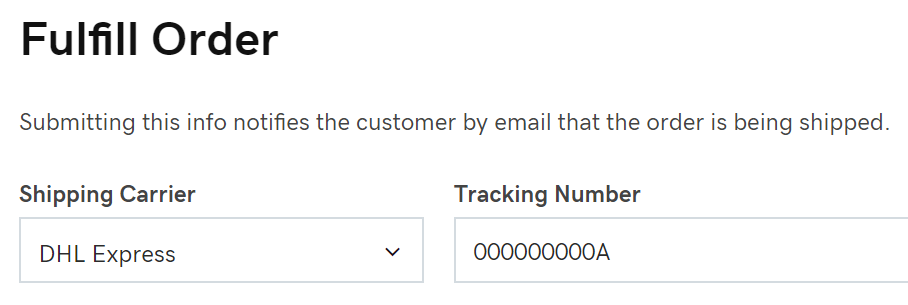
- Select Submit. Your order is now fulfilled, and the customer will receive an email letting them know their order has shipped.
Note: Once you mark an order as Fulfilled, you will no longer be able to cancel the order.
More info
- Print your order or download your orders to manage them outside of your online store.
- Set up payment for your online store so customers can buy your products.
- Reach customers around the world by offering shipping method choices.