Respond to customer messages on the web
Note: The GoDaddy Conversations app is available on Apple iPhone only.
- Go to your product page .
- Scroll to Websites + Marketing and select Manage next to the website that has GoDaddy Conversations enabled.
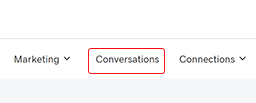
- Click Conversations from the top menu to access your inbox.
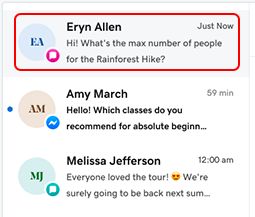
- Select a conversation from the list.
- Type a response in the Message field, and then click the arrow to send.
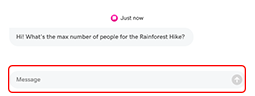
- Click the arrow on the right to send your message.
With GoDaddy Conversations, you can respond to your customers directly from the Websites + Marketing Dashboard.
Required: To do this, first set up the GoDaddy Conversations mobile app. See Connect GoDaddy Conversations to my website to learn how.
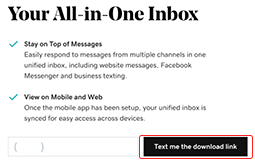
Note: If you haven't set up the GoDaddy Conversations app, you'll see a prompt to download it. Enter your mobile phone number, then click Text me the download link to get started.