
Enable abandoned cart recovery
Enable abandoned cart recovery to re-engage customers who enter their information in their shopping cart but then leave your store without making a purchase. Abandoned cart emails remind customers to check out their chosen products, which can boost your sales.
- Go to your 123 Reg product page.
- Scroll to Website Builder and select Manage next to your site.
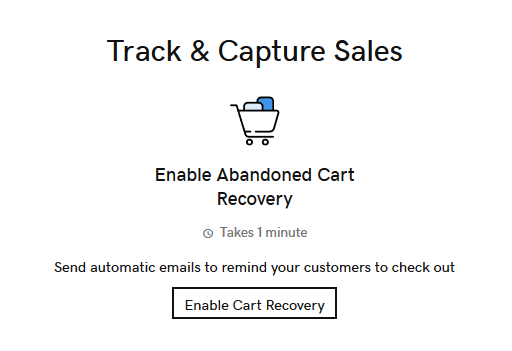
- In your Dashboard, go to Store and select Overview. Next, scroll down to the bottom of the page and select Enable Cart Recovery.
- Select the Enable abandoned checkout reminders toggle to turn it on or off.
- Choose how much time should pass after a customer leaves your store with products still in their cart until the email is automatically sent.