
Download Site Backup backups in Linux Hosting
Note: Site Backup hasn’t been sold as a new product since January 2018. For our new backup solution, see
What is Website Backup?You can download a copy of the files backed up to Site Backup as a ZIP file to store locally.
- Go to your GoDaddy product page.
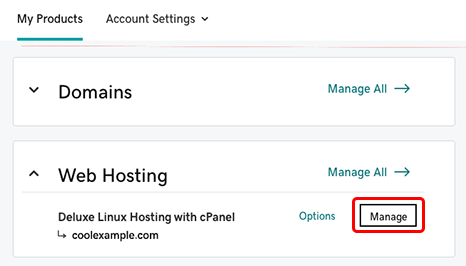
- Under Web Hosting, next to the Linux Hosting account you want to use, select Manage.
- In the account Dashboard, select cPanel Admin.
- In the cPanel Home page, in the Files section, select Site Backup.
- Next to the website or database you want to use, click
 (Download Files).
 - From the Date menu, select the backup you want to use.
- Select the files and directories you want to use.
- Select
 (Download Files).
 - Enter a Name for the backup, and then click Download.