Delete a forwarding email address
When you delete an existing forwarding email address, it stops any email forwarding to its specified addresses.
- Sign in to your Email & Office Dashboard (use your GoDaddy username and password).
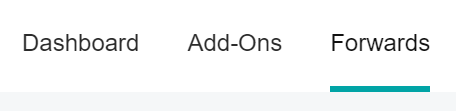
- Select Forwards.
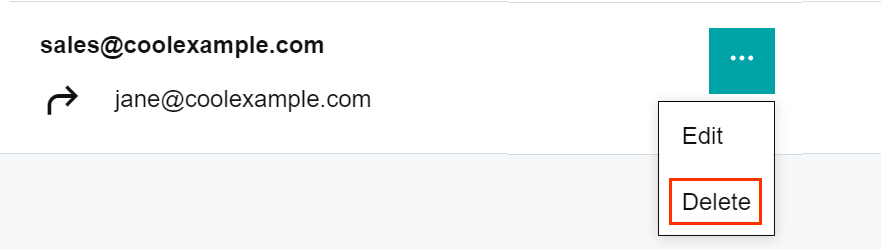
- Next to the forwarding email address you want to remove, open the menu and select Delete.
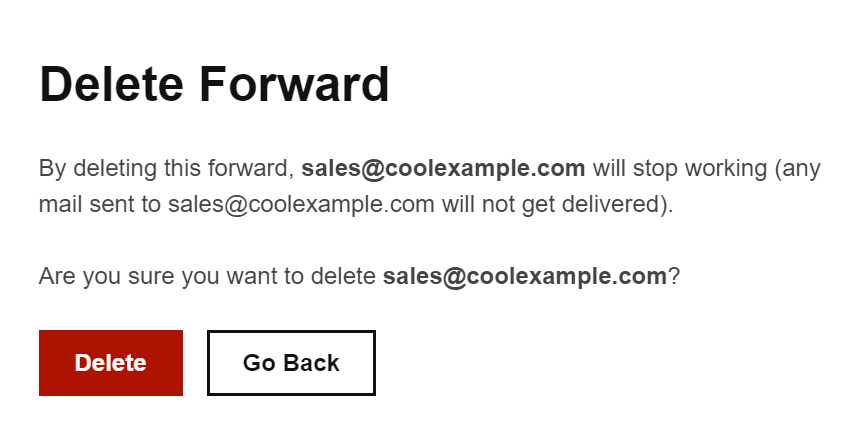
- Select Delete to confirm. The email forwarding address is removed from your Email Forwards page.