
Add external contacts to my distribution group
When you need people outside your organization to receive emails, add them as external contacts to a distribution group (also called a distribution list).
Required: Before you get started, make sure you've already created a distribution group and added external contacts to your address book.
- Sign in to the Exchange admin center. Use your Microsoft 365 email address and password (your 123 Reg username and password won't work here).
- Go to recipients, and then select groups.
- Select the name of the Distribution list and
 Edit.
Edit. - In the new window, select membership and
 Add.
Add. - Choose the contact(s) and select add.
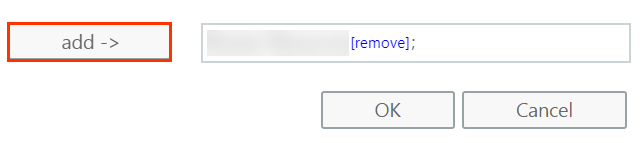
- Select OK.
- Your new contact(s) are now listed under Members. Select Save to close the window.
More info
- Change or delete a distribution group
- Learn more about distribution groups.